myQ Smart Garage Video Keypad Review: See Who's There


myQ Smart Garage Video Keypad Review: See Who's There
myQ Smart Garage Video Keypad
Buy if you want a garage keypad with a wide-angle camera, 16 time-based PIN codes, and two-way audio, and you have strong Wi-Fi at the garage. Skip if your Wi-Fi is weak, you dislike recharging the battery, or you want video history without a myQ subscription.
Buy on AmazonWhat We Liked
- Time-Based PIN Codes for 16 People
- Wide-Angle Camera With Night Vision
- Two-Way Audio for Deliveries
- Easy Two-Screw Installation
- Motion Alerts in the myQ App
- Doubles as a Garage Security Camera
What Could Be Better
- Battery Life Depends on Camera Use
- Weak Wi-Fi Breaks Everything
- Video History Needs a myQ Subscription
- Limited Opener Compatibility
How we test: Every product is used in real conditions and evaluated using our standardized scoring criteria. Read our full review methodology.
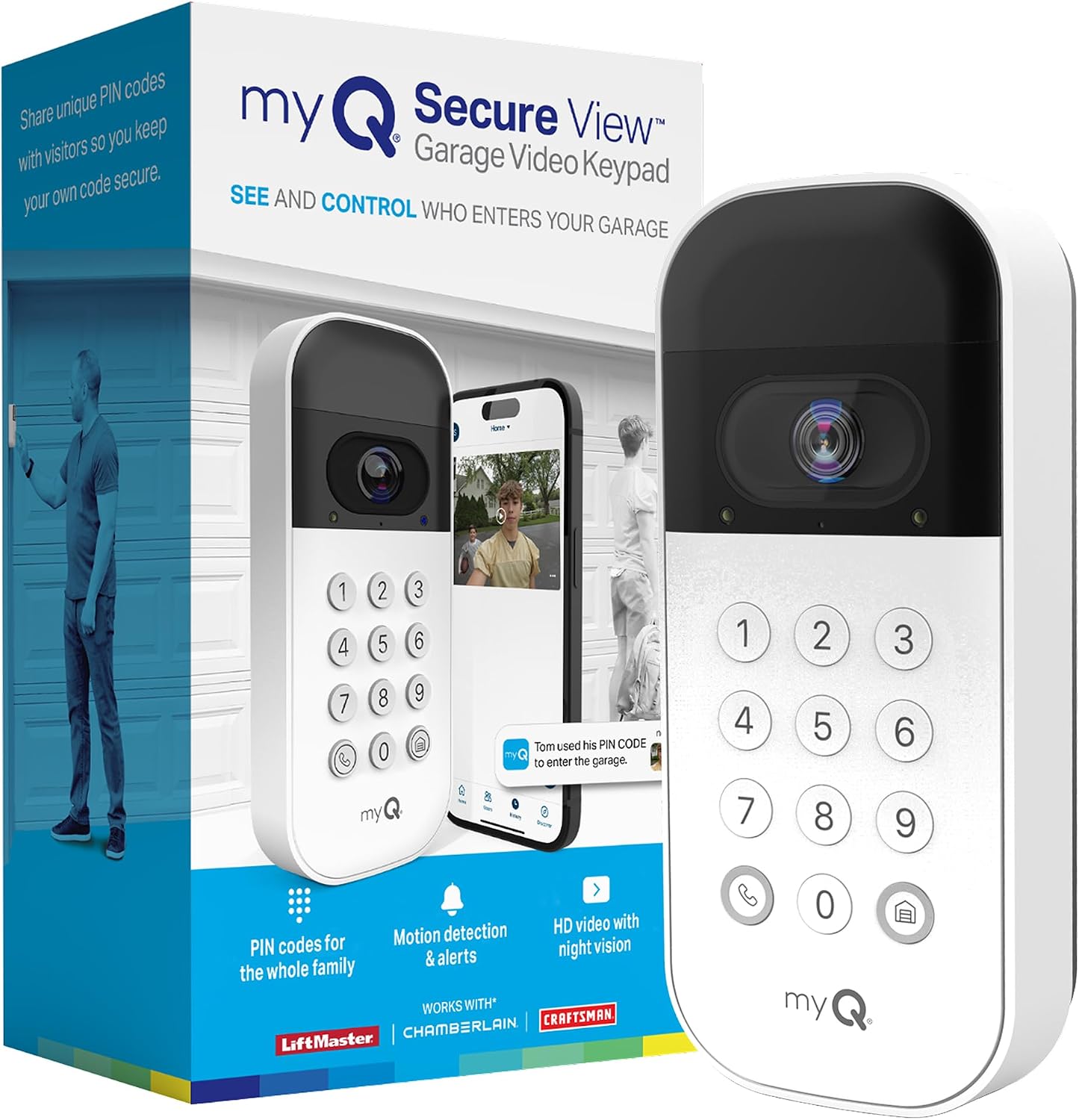
If you have ever stood inside wondering who is in your driveway, or watched a delivery driver hunt for a way to reach you, a basic punch-code pad does not help much. The myQ Smart Garage Video Keypad tries to fix that by pairing a wide-angle camera with the keypad that controls your garage door. It mounts where your old keypad lived and adds a set of eyes to the side of your house.
Made by Chamberlain, this smart garage door keypad combines a 1080p camera, 16 personal identification number (PIN) codes, and two-way audio with the free myQ mobile app. I spent time with both the hardware and the app to see whether the camera and the keypad earn the roughly $45 asking price.
The short version of this video keypad review: the PIN system and camera genuinely upgrade garage access and home security, but weak Wi-Fi and a rechargeable battery can sour the experience fast. Here is where it shines and where it slips.
Setup & Compatibility
Installation is refreshingly simple. A card in the box holds a QR code that opens a short PDF, and the keypad mounts with two screws. You charge the removable battery, pop it in, and pair the unit to your phone over Bluetooth before it joins your Wi-Fi.
Chamberlain includes a small wedge bracket, which matters more than it sounds. If your garage faces the side of your house instead of the street, the wedge angles the camera back toward the driveway so it captures people coming and going. Without it, a side-mounted keypad would mostly watch a wall.
Compatibility is the big asterisk. This myQ video keypad works with LiftMaster, Chamberlain, and Craftsman garage doors and openers made after 1993, and it controls one smart garage door opener and one door. The keypad reaches the opener over Wi-Fi with a rated range up to 900 feet, so a strong signal at the garage is not optional.
What I Liked
Time-Based PIN Codes for 16 People
The standout feature is the PIN system. You can create up to 16 personalized codes and attach time windows to each one, so a housekeeper’s code might only work Tuesdays from 10 to 12 while the dog walker gets a separate one.
Every family member, guest, or service provider gets their own code on the numeric keypad, and the myQ app logs exactly who opened the garage door and when. That beats handing out a single shared code that lives on forever, and you never have to hide a key again.
Wide-Angle Camera With Night Vision
The wide-angle camera covers the driveway all the way to the doorway, and the night vision is good enough to identify someone after dark. Because most people mount this where their old keypad sat, you gain a security camera watching the garage area that simply was not there before.
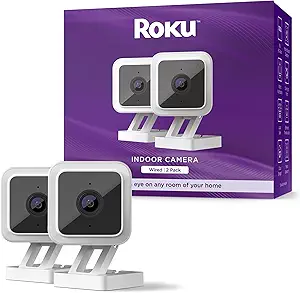
In the myQ app the HD video feed handles live streaming, and motion clips move to video storage so you can scrub back through recent events. Aimed down the driveway rather than inside the garage, this smart video keypad behaves a lot like a smart doorbell for the side of the house. I could clearly make out faces and even read a phone screen someone held up to the lens. For keeping watch inside the house rather than down the driveway, the Roku Indoor Camera SE offers comparable 1080p night vision at a budget price, though its best recording features also sit behind a subscription.
Two-Way Audio for Deliveries
A built-in microphone and speaker let you hold a live two-way conversation, just like a video doorbell. When someone presses the call button or trips the motion sensor, you can talk to them straight from your phone.
This is genuinely useful for deliveries. An Amazon driver can be told where to leave a package, or a contractor who forgot the code can be sorted out without you driving home.
Easy Two-Screw Installation
Setup is one of the easiest I have run through on a smart home device. Two screws hold the mount, you pair over Bluetooth, and the QR-code instructions keep the whole thing under fifteen minutes.
You top up the battery with the included USB cable, and there is no low-voltage wiring to fish through the wall. For anyone who dreads a DIY install, that alone lowers the barrier. That same easy setup shows up in other gear, such as the daskmenbo Bluetooth Transmitter Receiver, which adds wireless audio to an old TV or car stereo at the press of a single button. If you appreciate smart devices that skip the ongoing fees, the RingConn Gen 2 Air tracks sleep and heart rate with no subscription and stretches days between charges.
Motion Alerts in the myQ App
Advanced motion detection pushes a notification to your phone via the myQ app the moment the motion detector sees movement in front of the camera. You get a ping when the kids get home, when a package arrives, or when someone lingers in the driveway who should not be there.
You can also set detection zones and face detection to cut down on noise. Fold it into a wider home automation setup and those alerts become part of how you watch the whole property.
Doubles as a Garage Security Camera
Because it points down the driveway, this keypad quietly doubles as a surveillance camera for the side of the house. Plenty of owners use it instead of buying a second Ring, since it covers the same approach to the home.
For a device that mainly exists to open the garage, getting real camera coverage inside the bargain is a strong value argument. It is two products in one housing.
What Needs Improvement
Battery Life Depends on Camera Use
The removable lithium-ion battery is convenient to charge, but the video keypad’s battery life is the most common complaint I found. Chamberlain quotes up to a few months, yet that number drops sharply if the camera fires often, and a weak Wi-Fi signal makes it worse by forcing constant reconnects.
Recharging takes several hours, which means downtime unless you buy a second battery to swap in. One Amazon reviewer summed it up bluntly: good camera, poor battery life. A hardwire AC adapter kit exists to skip the battery entirely, but it is sold separately and adds to the cost.
Weak Wi-Fi Breaks Everything
This is the issue that can turn the keypad from useful to infuriating. If your garage sits far from the router, you will see offline notifications, slow live view loading, and in some cases the keypad will not open the door at all without internet.
Reddit threads are full of owners whose insulated doors or distant routers left the unit stuck reconnecting. Check your Wi-Fi coverage where this will live before you buy, and plan on an extender if the signal is marginal.
Video History Needs a myQ Subscription
You can open the door and see a live feed for free, but saved video history and the richer features move behind a paid myQ subscription once the trial ends. Several buyers called the video plan expensive for what is already a camera you paid for.
If you expect to scroll back through days of clips without an ongoing fee, this is not that device. The subscription math is worth running before you commit.
Limited Opener Compatibility
The keypad only works with LiftMaster, Chamberlain, and Craftsman openers built after 1993, and it manages a single opener and door. Owners of other brands, or of a genuinely old opener, are simply out of luck.
There is also no offline mode to fall back on. Strip away the app, the account, and the internet, and a plain keypad would do the basic job with fewer headaches.
How It Compares
myQ Video Keypad vs Ring Video Doorbell
Many owners buy this keypad specifically to avoid adding a second Ring. A Ring Video Doorbell watches the front door, while the Chamberlain myQ Smart Garage Video Keypad covers the garage-side approach and, unlike Ring, physically opens the garage door with a PIN. For a household that already has a doorbell out front, the keypad fills the blind spot in your myQ garage setup rather than duplicating it.
Ring still wins on ecosystem depth and Amazon Key in-garage delivery, and both devices gate recorded clips behind a subscription. If your priority is controlling garage access with a camera attached, the keypad is the more focused tool.
myQ Video Keypad vs Wyze Cam
A Wyze Cam is the budget answer for pure surveillance, with cheap Cam Plus cloud recording, but it cannot touch your garage door opener. The myQ keypad bundles the camera, PIN entry, and door control into one weatherproof unit mounted outside.
Wyze makes sense if you only want inexpensive video and already have another way in. The keypad makes sense when the camera and the door need to be the same device. That is the crux of this garage door video keypad review: the hardware is good, but the dependencies are real.
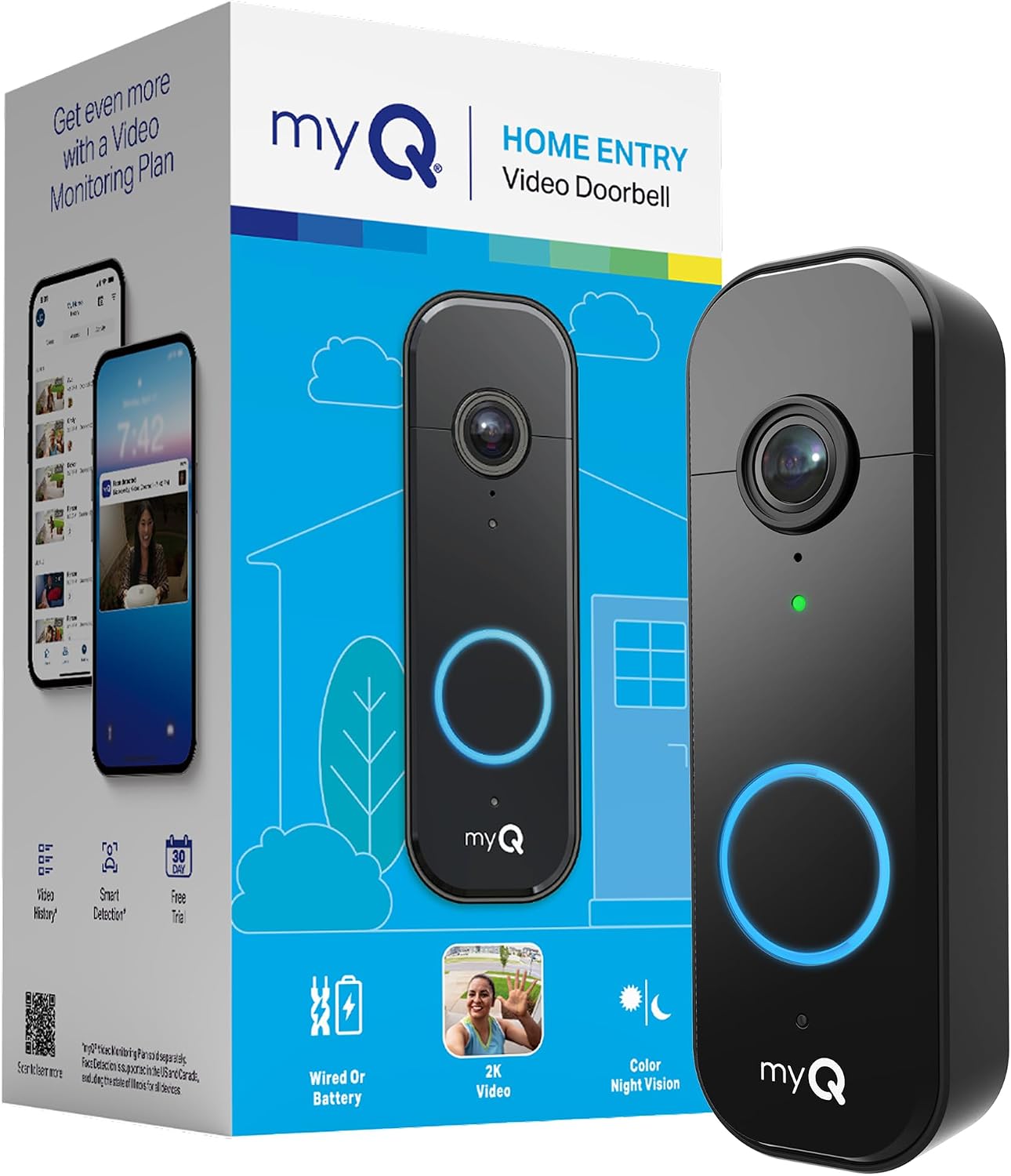
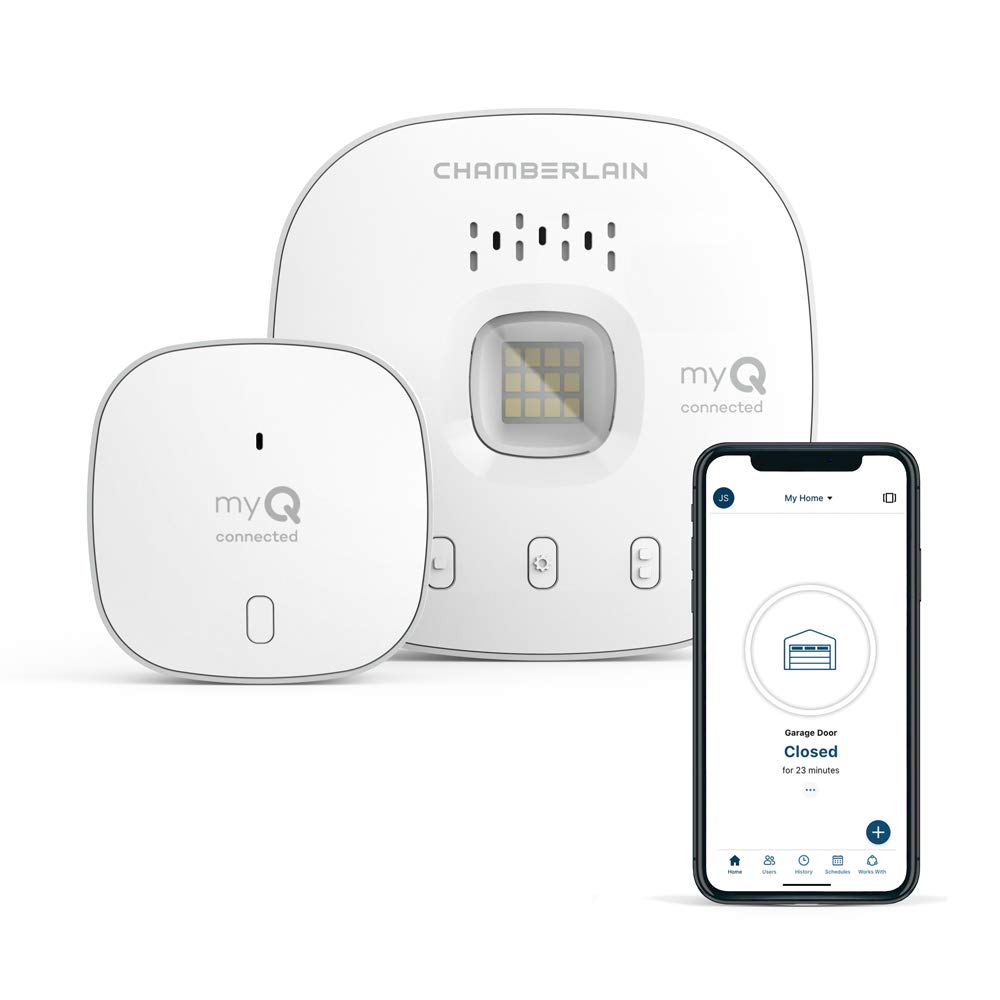
If you want smart control without the camera, the Chamberlain myQ Smart Garage Control adds app control and open-door alerts to almost any compatible opener for less money. And if your real gap is the front door rather than the garage, the Chamberlain myQ Video Doorbell delivers sharper 2K video, though it leans on the same myQ app and subscription model.
Final Verdict
The myQ Smart Garage Video Keypad earns a 3.3 out of 5. As a smart garage door video keypad, it is a genuinely clever upgrade to garage access that is held back by two very real frustrations.
The strengths are easy to recommend: 16 time-based PIN codes, a wide-angle camera with usable night vision, two-way audio, and an install that takes minutes. Mount it where your old keypad sat and you gain a security camera covering the driveway almost for free.
The weaknesses are just as real. Battery life shrinks with heavy camera use, weak Wi-Fi can stop the door from opening entirely, and the best video features sit behind a myQ subscription. The 3.8-star average across thousands of Amazon ratings reflects that split experience.
If you own a compatible LiftMaster, Chamberlain, or Craftsman opener and have a strong Wi-Fi signal at the garage, this smart garage door keypad is worth checking out. If your Wi-Fi is shaky or you want a keypad that works without an app, look elsewhere.
Specifications
| alert_type | Motion Only |
| antenna_location | Outdoor Security |
| battery_cell_type | Lithium Ion |
| brand | CHAMBERLAIN |
| built_in_media | Battery Pack, Mounting Kit, Video Keypad |
| color | White |
| compatible_devices | Smartphone, Tablet |
| connectivity_technology | Bluetooth, Wi-Fi |
| control_method | App |
| global_trade_identification_number | 00012381208098 |
| installation_method | wireless DIY |
| item_dimensions | 2.71 x 1.36 x 6.3 inches |
| item_type_name | Garage Door Video Keypad |
| item_weight | 1.3 pounds |
| manufacturer | Chamberlain Group |
| manufacturer_warranty_description | 1 Year Limited Warranty |
| maximum_range | 900 feet |
| mfr_part_number | VKP1-MYQ |
| model_number | VKP1-MYQ |
| power_source | Battery Powered |
| unit_count | 1 Count |
| upc | 012381208098 |
| video_capture_resolution | 1080p |
Frequently Asked Questions
Do I need a subscription for myQ Smart Garage Video Keypad?
You can open and close the door, use the keypad, and watch a live view without paying anything. Saved video history and the advanced recording features move behind a paid myQ subscription once the free trial ends. Budget for that fee if scrolling back through clips matters to you.
How long does myQ Smart Garage Video Keypad last on a charge?
Chamberlain rates the removable lithium-ion battery for up to a few months per charge. Real-world battery life is shorter if the camera records often or a weak Wi-Fi signal forces constant reconnects. Recharging takes several hours, so a spare battery avoids downtime.
Does myQ Smart Garage Video Keypad work without Wi-Fi?
No. The myQ Smart Garage Video Keypad relies on Wi-Fi to reach the opener and the myQ app, and a weak or dropped signal can stop it from opening the door. Confirm strong coverage at the garage, or add an extender, before buying.
Can I use the myQ Video Keypad to open or close my garage door from the app?
Yes. The myQ app shows a live camera feed and gives you controls to open or close the garage door remotely. You can also enter a PIN at the keypad itself for local access when you are standing at the garage.
Can the myQ Video Keypad control multiple garage door openers?
No. Each myQ Video Keypad is tied to a single opener and one garage door. If you have a second bay with its own opener, you would need a separate keypad for it.
Does the myQ Video Keypad store recorded event footage for later viewing?
Yes, but with a caveat. Motion events are captured and viewable in the myQ app, and longer video history is retained while you carry an active myQ subscription. Without the plan you are mostly limited to live view and basic motion alerts.
Ready to Buy?
myQ Smart Garage Video Keypad delivers on its promises. If it fits your needs, it's a solid choice you won't regret.
Check Price on Amazon Founder & Product Reviewer at TheReviewRewind
Daniel has tested 400+ products across 20+ categories through hands-on, real-world testing. Every review includes video documentation and standardized scoring criteria. His reviews appear as Amazon shoppable videos and here on TheReviewRewind.
We earn a commission if you make a purchase, at no extra cost to you. This does not influence our ratings or recommendations. Full disclosure
Looking for more options? See all our Smart Home reviews.