WAVLINK Laptop Docking Station 3 Monitors Review: One Cable, Triple 4K Output



WAVLINK Laptop Docking Station 3 Monitors Review: One Cable, Triple 4K Output
WAVLINK Laptop Docking Station 3 Monitors
Buy if you need a triple 4K monitor setup with 125W laptop charging from a single USB-C cable. Skip if you need three independent displays on a Mac or your laptop lacks DP 1.4 with DSC support.
Buy on AmazonWhat We Liked
- Triple 4K Display Output
- 125W Power Delivery
- Comprehensive Port Selection
- Plug and Play Setup
- Award-Winning Build Quality
What Could Be Better
- macOS Display Limitations
- DP 1.4 Requirement for Full Resolution
- No Bundled Display Cables
How we test: Every product is used in real conditions and evaluated using our standardized scoring criteria. Read our full review methodology.
Running a triple monitor setup from a single USB-C cable sounds like a productivity dream. The WAVLINK Laptop Docking Station 3 Monitors promises exactly that, with 4K output on all three displays and enough power delivery to keep your laptop charged.
The WAVLINK WL-UMD26 is an 11-in-1 USB-C docking station with 125W PD3.1 pass-through charging, two HDMI ports, one DisplayPort, and a full spread of connectivity options. At around $80, it undercuts most triple-display docks by a wide margin.
I tested this dock with both a MacBook Pro and a Windows laptop, connecting three 4K monitors, an external drive, a camera via SD card, and a USB microphone. Everything ran through that single USB-C cable.
The short version? It delivers on the triple 4K promise for Windows users, though Mac users need to know about one significant limitation before buying.
What I Liked
The WAVLINK docking station impressed me across several categories during testing. Here are the standout features.
Triple 4K Display Output
This dock supports up to three 4K displays simultaneously through its two HDMI and one DisplayPort connections. On Windows with DP 1.4 and DSC support, you get 4K at 60Hz on the primary display and 4K at 30Hz on the other two. That is genuine triple 4K from a single USB-C cable.
For a single display, the dock pushes up to 8K at 30Hz or 4K at 144Hz. The flexibility to choose between two HDMI plus one DP or two DP plus one HDMI means you can match whatever monitors you own. Windows users who want a fourth display from one USB-C cable can step up to the WAVLINK Quad Monitor Docking Station, which adds a VGA output and dual DisplayPort plus HDMI for under $50. MacBook owners who need three independent screens instead should look at the WAVLINK 12-in-1 DisplayLink Docking Station, which uses DisplayLink to bypass Apple’s single external display limit.
125W Power Delivery
The 140W power adapter delivers up to 125W of pass-through charging to your laptop via PD3.1. That is enough to keep a 16-inch MacBook Pro fully charged even under heavy workloads. My laptop stayed at full battery throughout every testing session.
Most competing docks in this price range max out at 60-85W, which leaves larger laptops slowly draining. The 125W output here eliminates that problem entirely. Small batteries are where charging headroom counts, and a budget machine like the OTVOC Laptop 15.6 Inch carries just a 38Wh cell that wants an outlet after about four hours. Owners nursing an older notebook back into daily use often add memory alongside a dock, and the Timetec 16GB DDR3L SODIMM Laptop RAM is a cheap way to clear the 4GB bottleneck on those aging machines.
Comprehensive Port Selection
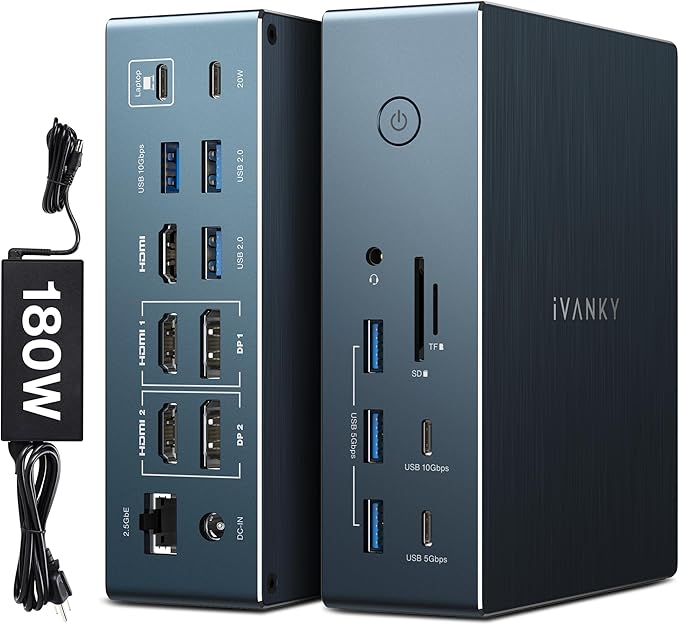
The port layout covers every common need. Up front, you get two USB-A ports at 5Gbps, one USB-C at 10Gbps, SD and microSD card slots, and a 3.5mm audio jack. The back holds the display outputs, Gigabit Ethernet, and the host USB-C connection.
The 10Gbps USB-C port on the front handled large file transfers from my external SSD at full speed. The SD and microSD readers worked immediately with my camera cards. For content creators juggling multiple devices, having all these ports in one dock saves significant desk space. For Mac users who need more than one extended display, the WAVLINK Pro DL7400 uses DisplayLink technology to push quad 4K output with 15 total ports. Developers running multiple IDEs and terminals may also want to consider the iVANKY FusionDock Pro 2, which packs 20 ports and triple 4K into a single DisplayLink dock.
Plug and Play Setup
This dock uses native USB-C Alt Mode instead of DisplayLink technology. That means no driver installation on Windows, macOS, Chrome OS, or Linux. I plugged it in and all three displays activated within seconds on my Windows machine.
The absence of DisplayLink also means no CPU overhead for display rendering, no DRM content restrictions, and no driver update headaches. The dock simply passes video signal through the USB-C connection natively.
Award-Winning Build Quality
WAVLINK used a combination of aluminum alloy and ABS plastic that earned a Red Dot Design Award. The dock feels solid in hand and the upright design saves desk space while keeping airflow for passive cooling.
The Kensington lock slot adds a security option for office environments. Small detail, but it shows this dock was designed for professional settings, not just home use. WAVLINK carries that same solid build into its flagship tier, where the WAVLINK Thunderbolt 5 Dock pairs a full metal chassis and silent passive cooling with 120Gbps bandwidth.
What Needs Improvement
No dock is without trade-offs, and there are a few things worth knowing before you buy.
macOS Display Limitations
Mac users with M1 through M4 chips can only extend to one external display with unique content through this dock. The other two displays mirror that same output. This is an Apple platform restriction on native USB-C video, not a flaw in the WAVLINK dock itself.
If you need three independent screens on a Mac, you would need a DisplayLink-based docking station instead. That comes with its own trade-offs, including driver requirements, higher CPU usage, and DRM content restrictions.
DP 1.4 Requirement for Full Resolution
Getting triple 4K output requires your laptop to support DisplayPort 1.4 with DSC (Display Stream Compression). If your laptop only supports DP 1.2 over USB-C, you are limited to 1080p across all three screens. This is worth checking before purchasing.
Some users have reported confusion about this in reviews. The dock delivers exactly what it advertises, but not every laptop can take full advantage of the resolution capabilities. Check your laptop specifications for USB-C video output standards.
No Bundled Display Cables
The box includes the power adapter and host USB-C cable, but no HDMI or DisplayPort cables. You need to supply your own for each monitor connection. Budget for two HDMI cables and one DP cable if you do not already have them.
How It Compares
The USB-C docking station market has strong competition. Here is how the WAVLINK stacks up against popular alternatives.
vs. Plugable USB4 Dual HDMI Dock
The Plugable UD-4VPD ($199) is one of the closest alternatives in terms of port layout. It supports dual 4K HDMI output and includes USB4 compatibility. However, it is not recommended for Mac users and costs more than twice the WAVLINK’s price.
The WAVLINK wins on value with its triple display support and lower price point. The Plugable offers USB4 bandwidth for those who need maximum throughput for peripherals. If your priority is triple monitors at a reasonable price, the WAVLINK is the stronger choice.
vs. CalDigit TS4
The CalDigit TS4 ($399) is the go-to recommendation for maximum port density with Apple Silicon optimization. It delivers Thunderbolt 4 connectivity, 18 total ports, and 2.5Gb Ethernet.
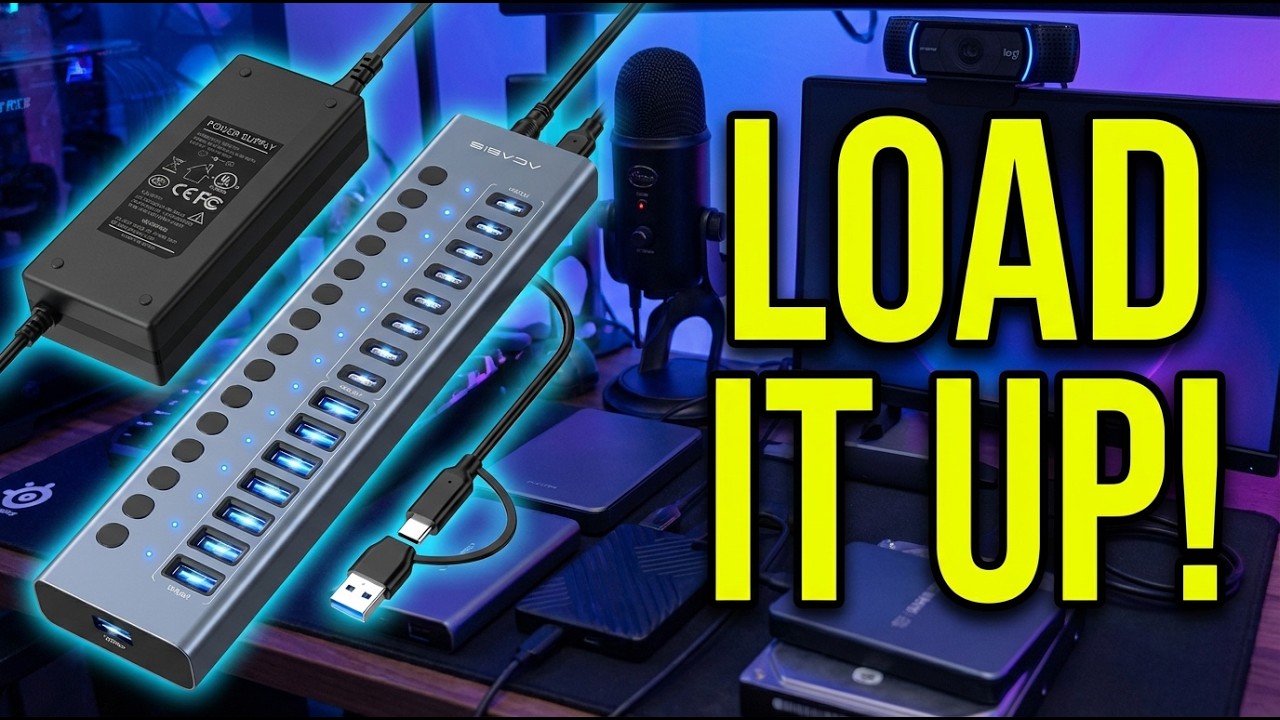
At five times the WAVLINK’s price, the CalDigit targets a different buyer entirely. If budget is not a concern and you need the highest-end Thunderbolt dock available, the CalDigit justifies its premium. For triple monitor productivity on a budget, the WAVLINK delivers comparable display capability at a fraction of the cost. For users focused purely on USB port count rather than monitor output, the ACASIS 16-Port USB 3.2 Hub packs 16 powered 10Gbps ports into a single desktop hub. MacBook Pro owners who want that same charging headroom without the CalDigit’s price can power their setup with the Mfish E-Rhino 140W USB-C charger, which delivers true 140W PD 3.1 from a compact GaN brick.
vs. Anker 675 USB-C Dock
The Anker 675 takes a different approach by integrating a monitor stand into the dock itself. It supports dual display output and includes a wireless charging pad on top.
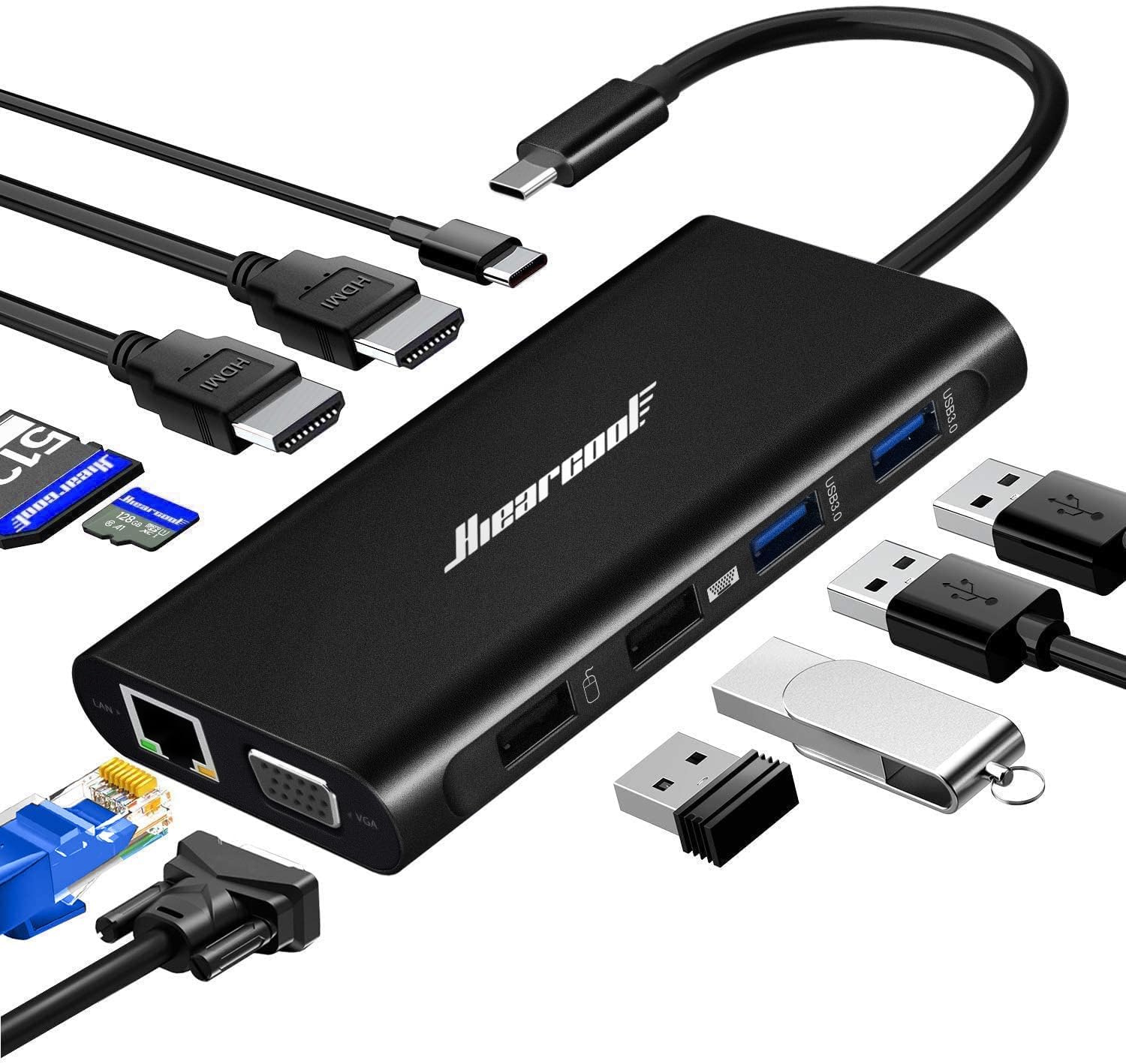
The WAVLINK offers triple display support versus the Anker’s dual output, and stronger power delivery at 125W versus the Anker’s 65W. Choose the Anker if you want an all-in-one monitor stand and charging pad. Choose the WAVLINK if triple monitors and higher wattage charging matter more. The WAVLINK 11-in-1 upright docking station takes a similar vertical design approach while maintaining the same triple 4K capability and 125W charging. Budget-conscious professionals who want a full-featured dock under $30 should also look at the Hiearcool USB-C Dock, which offers 11 ports including Gigabit Ethernet at a fraction of the WAVLINK’s price.
Final Verdict
The WAVLINK Laptop Docking Station 3 Monitors delivers genuine triple 4K output, strong 125W charging, and comprehensive connectivity at a price that undercuts most competitors.
I am giving it a 4.2 out of 5.
The macOS single-extended-display limitation and the DP 1.4 requirement for full resolution keep it from a higher score. These are platform constraints rather than product flaws, but they affect who should buy this dock. For Windows users, those deductions barely apply.
Bottom line: If you need a triple monitor USB-C docking station with powerful laptop charging and you run Windows, this WAVLINK dock is an excellent value at its price point.
Specifications
| Brand | WAVLINK |
| Model | WL-UMD26 |
| Connectivity Technology | USB-C, HDMI, DisplayPort, Ethernet |
| Connector Type | USB Type C |
| Total USB Ports | 6 |
| Number of HDMI Ports | 2 |
| Number of DisplayPorts | 1 |
| Maximum Display Resolution | 8K@30Hz (single), 4K@60Hz+4K@30Hz+4K@30Hz (triple) |
| Power Delivery | 125W PD3.1 Pass-Through |
| Power Adapter | 140W included |
| Ethernet Speed | Gigabit (1000 Mbps) |
| Card Reader | SD and microSD (TF) |
| Audio | 3.5mm TRRS combo jack (mic + headphone) |
| Compatible Devices | Laptops, MacBook M1-M4, Windows USB-C Laptops, Chromebook, iPad |
| Operating Systems | Windows 11/10/8.1/8/7, macOS 11+, Chrome OS, Linux, iPadOS |
| Material | Aluminum alloy + ABS |
| Color | Black |
| Security | Kensington Lock Slot |
| Display Protocol | USB-C Alt Mode (native, no DisplayLink) |
| HDCP | Compliant |
| Item Weight | 0.88 pounds |
| ASIN | B0DRHVQH3Q |
Frequently Asked Questions
Does the WAVLINK docking station work with MacBook for triple monitors?
The dock connects to MacBook M1 through M4 models and outputs to all three displays. However, macOS limits native USB-C to one extended display with unique content. The other two screens mirror. For three independent screens on Mac, you need a DisplayLink-based dock instead.
How many 4K monitors can the WAVLINK dock support?
The dock supports up to three 4K monitors simultaneously. With DP 1.4 and DSC on your laptop, you get 4K at 60Hz on one display and 4K at 30Hz on the other two. For a single monitor, it pushes up to 8K at 30Hz or 4K at 144Hz.
Does the WAVLINK USB-C dock require driver installation?
No. This dock uses native USB-C Alt Mode, not DisplayLink. It works plug and play on Windows, macOS, Chrome OS, and Linux without any driver software. Just connect the USB-C cable and your displays activate.
What is the maximum resolution supported by the WAVLINK docking station?
Single display maximum is 8K at 30Hz or 4K at 144Hz using DP 1.4 with DSC. Triple display maximum is 4K at 60Hz plus two 4K at 30Hz screens. Resolution depends on your laptop's USB-C video output capabilities and DisplayPort version.
Can the WAVLINK dock charge a laptop while connected to monitors?
Yes. The dock supports 125W PD3.1 pass-through charging with the included 140W power adapter. That is enough to charge a 16-inch MacBook Pro at full speed while running three monitors and all connected peripherals. This dock is HDCP compliant, so streaming services like Netflix and Amazon Prime work on connected displays.
Is the WAVLINK dock compatible with Thunderbolt laptops?
Yes. The dock works with Thunderbolt 3 and Thunderbolt 4 laptops since these ports are backward compatible with USB-C. You connect via the USB-C host port. However, this is not a Thunderbolt dock, so it does not provide Thunderbolt-specific bandwidth or daisy-chaining.
What is the difference between USB-C Alt Mode and DisplayLink docks?
USB-C Alt Mode docks like this WAVLINK pass video signal natively through the USB-C connection with no drivers or CPU overhead. DisplayLink docks use software compression to send video over USB, requiring driver installation and adding CPU load. Alt Mode is better for performance and compatibility, but Mac users are limited to one extended display. DisplayLink allows multiple independent Mac displays but with trade-offs in performance.
Ready to Buy?
WAVLINK Laptop Docking Station 3 Monitors delivers on its promises. If it fits your needs, it's a solid choice you won't regret.
Check Price on Amazon Founder & Product Reviewer at TheReviewRewind
Daniel has tested 400+ products across 20+ categories through hands-on, real-world testing. Every review includes video documentation and standardized scoring criteria. His reviews appear as Amazon shoppable videos and here on TheReviewRewind.
We earn a commission if you make a purchase, at no extra cost to you. This does not influence our ratings or recommendations. Full disclosure
Looking for more options? See all our Computers reviews.
Related Reviews